COO
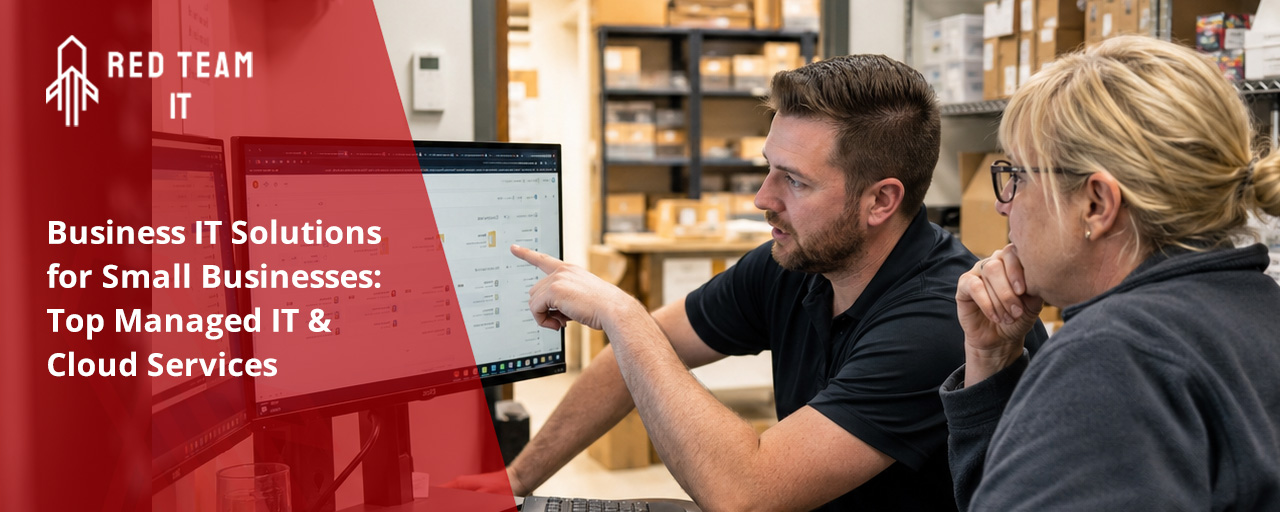
Business IT solutions are essential for small businesses that want to stay competitive and secure. In this blog, you’ll learn what business IT solutions are, why they matter for small businesses, and how to avoid common mistakes. We’ll cover topics like managed IT services, cloud services, cybersecurity, and how to choose scalable systems. You’ll also get practical tips for backup and connectivity, plus answers to common questions.
Business IT solutions are the tools and services that help companies manage their technology needs. These include everything from computers and networks to cloud storage and cybersecurity. For small businesses, having the right IT setup means you can work efficiently, keep data safe, and grow without running into tech problems.
Most small businesses don’t have a full-time IT team. That’s why managed IT solutions are popular—they give you expert help when you need it. With the right support, you can focus on your business instead of worrying about technology issues. Reliable systems also help you stay connected with customers and protect your information from threats.

It’s easy to make mistakes when setting up business IT solutions, especially if you’re new to technology. Here are some of the most common mistakes and how to avoid them.
Skipping software updates can leave your systems open to security risks. Updates often fix bugs and patch vulnerabilities. Make sure to set up automatic updates or schedule regular checks so your business stays protected.
Some businesses choose IT solutions that work for their current size but can’t handle more users or data. Always pick scalable systems, so you won’t need to replace them as your company grows.
Using simple or repeated passwords makes it easy for hackers to get in. Set up strong password rules and use tools like password managers to keep accounts secure.
If you don’t back up your data, you risk losing important files to hardware failure or cyberattacks. Use both local and cloud backup options to keep your information safe.
Slow or unreliable internet can hurt productivity. Invest in quality networking equipment and monitor your connection to avoid downtime.
Employees can accidentally cause security problems if they don’t know what to watch for. Provide regular training on safe technology practices and how to spot suspicious activity.
Waiting too long to add security measures can be costly. Start with basic protections like firewalls and antivirus software, then add more advanced tools as your business grows.
Managed IT services offer several advantages for small businesses:

Cloud services have changed how small businesses use technology. With cloud storage and applications, you can access your files and tools from anywhere. This flexibility makes it easier to collaborate with your team and serve customers, whether you’re in the office or working remotely.
Cloud services also make it simple to add or remove users as your business changes. You only pay for what you need, which helps control costs. Plus, cloud providers handle many security updates and backups automatically, reducing the risk of data loss or breaches. By using cloud services, you can scale quickly and stay competitive in your industry.
Choosing the right business technology is about more than just buying new computers. Here are some strategies to keep your systems scalable and effective.
Using the same types of devices and programs across your business makes it easier to manage updates and troubleshoot problems. Standardization also helps keep costs down.
Security services protect your data and systems from threats. Look for solutions that include firewalls, antivirus software, and regular security assessments.
Customer Relationship Management (CRM) software helps you track interactions, sales, and support requests. This makes it easier to provide great service and grow your business.
VoIP (Voice over Internet Protocol) and unified communications tools let you make calls, send messages, and hold video meetings from one platform. This improves communication and saves money compared to traditional phone systems.
Collaboration tools like shared documents and chat apps help your team work together, even if they’re in different locations. Pick tools that are easy to use and integrate with your other systems.
Technology changes quickly. Keep an eye on new trends so you can update your systems before they become outdated. This helps you stay ahead of competitors and avoid costly upgrades later.

When you’re ready to set up or upgrade your business IT solutions, start by assessing your current needs. Make a list of the systems you use, what works well, and where you have problems. This helps you prioritize what to fix first.
Next, set a budget for your IT improvements. Decide if you’ll use managed IT solutions or handle things in-house. If you’re not sure, talk to a local IT provider who understands the needs of businesses your size. They can recommend the best mix of hardware, software, and support.
Finally, create a schedule for rolling out changes. Test new systems with a small group before going company-wide. This way, you can catch issues early and make adjustments as needed. Don’t forget to train your team on any new tools or processes.
Managing IT doesn’t have to be overwhelming. Here are some best practices to keep your systems running smoothly:
Following these steps helps prevent problems and keeps your business running without interruptions.

Are you a growing business with 5-150 employees, especially if you’re running systems for 50 or more users? If you want reliable, secure, and scalable business IT solutions, our team is here to help. We understand the unique needs of businesses that are expanding and need technology that keeps up with their growth.
We know that managing IT can be complicated and time-consuming. That’s why Red Team IT offers managed IT solutions that let you focus on your business while we handle the technology. Contact us today to learn how we can support your goals and keep your systems running smoothly.
Business IT solutions help small businesses improve productivity and protect sensitive data. By using managed IT services, you can get expert support without hiring a full-time IT team. This means less downtime and fewer tech headaches.
Having reliable backup systems and strong cybersecurity measures in place also keeps your business running smoothly. These solutions make it easier to recover from issues and stay connected with your customers.
VoIP lets you make calls over the internet, which is often more affordable and flexible than traditional phone lines. For businesses with 50 or more users, this means you can scale your phone system as your team grows.
VoIP systems also support features like call forwarding and video meetings. With good connectivity and regular backup, you can keep your communication tools running even if there’s a network problem.
When choosing small business IT solutions, focus on security, scalability, and ease of use. Look for systems that can grow with your company and keep your data safe.
It’s also important to pick solutions that offer reliable backup and strong cybersecurity features. This helps protect your business from data loss and online threats.
Business technology includes tools like firewalls, antivirus software, and secure networks. These help block cyberattacks and keep your information private.
Make sure your systems have regular updates and backup options. Good connectivity and scalable solutions make it easier to add new security features as your business grows.
Managed IT services give you access to experts who monitor your systems and fix problems quickly. This is especially helpful for businesses with 50 or more users, where downtime can be costly.
With managed IT solutions, you get regular system checks, backup support, and help with cybersecurity. This lets you focus on running your business instead of dealing with tech issues.
Cloud services let you store files and run applications online, so your team can work from anywhere. This is great for businesses with multiple locations or remote workers.
Cloud solutions also handle many updates and backups automatically. With strong cybersecurity and scalable options, you can grow your business without worrying about data loss or slow connectivity.
%2520(1).png)
.svg)