COO
The real value of cloud migration consulting comes from deciding which systems not to move, rather than just handling the technical migration. Businesses that skip this step often end up paying for cloud workloads that should have stayed on-premises.
Most people assume cloud migration consulting is a technical hand-off: pack up the systems, ship them to the cloud, done. In practice, the costly part isn't the move itself but deciding which workloads should never leave the ground.
A single overlooked system can quietly rack up expenses, slow down operations, or create security risks that last long after the move. So the most valuable advice a consultant gives often concerns what not to migrate, not just how to do it.
That's the real function of cloud migration consulting: helping you decide which systems truly belong in the cloud and which should stay put. It's a step that's easy to skip, yet it shapes your costs and performance for years afterward.
Treat your consultant as a mover rather than an advisor, and you risk paying for cloud resources that never fit your business needs in the first place. The better approach is to use their expertise as a filter, one that protects your budget and keeps your operations efficient.

Many cloud projects start from the assumption that every system belongs in the cloud, and that assumption is usually what causes the trouble later. Not every workload benefits from cloud migration; some applications are too old, too complex, or simply perform better left on-premises.
Move everything anyway, and you end up paying for cloud storage and compute power your business doesn't actually need. Those costs compound fastest for systems that rarely change or never needed cloud features to begin with.
A consultant who acts only as a mover can certainly shift everything you own into the cloud, but doing so doesn't make it the right move. The real value lies in helping you decide what to leave behind.
That decision-what to exclude-is often the line between a successful migration and an expensive mistake. Filter out the wrong workloads, and the cloud environment that remains stays lean and focused on what actually matters.
Filtering decisions form the foundation of cloud strategy, since what you choose to leave out determines your costs, your security exposure, and your ability to adapt as the business grows.
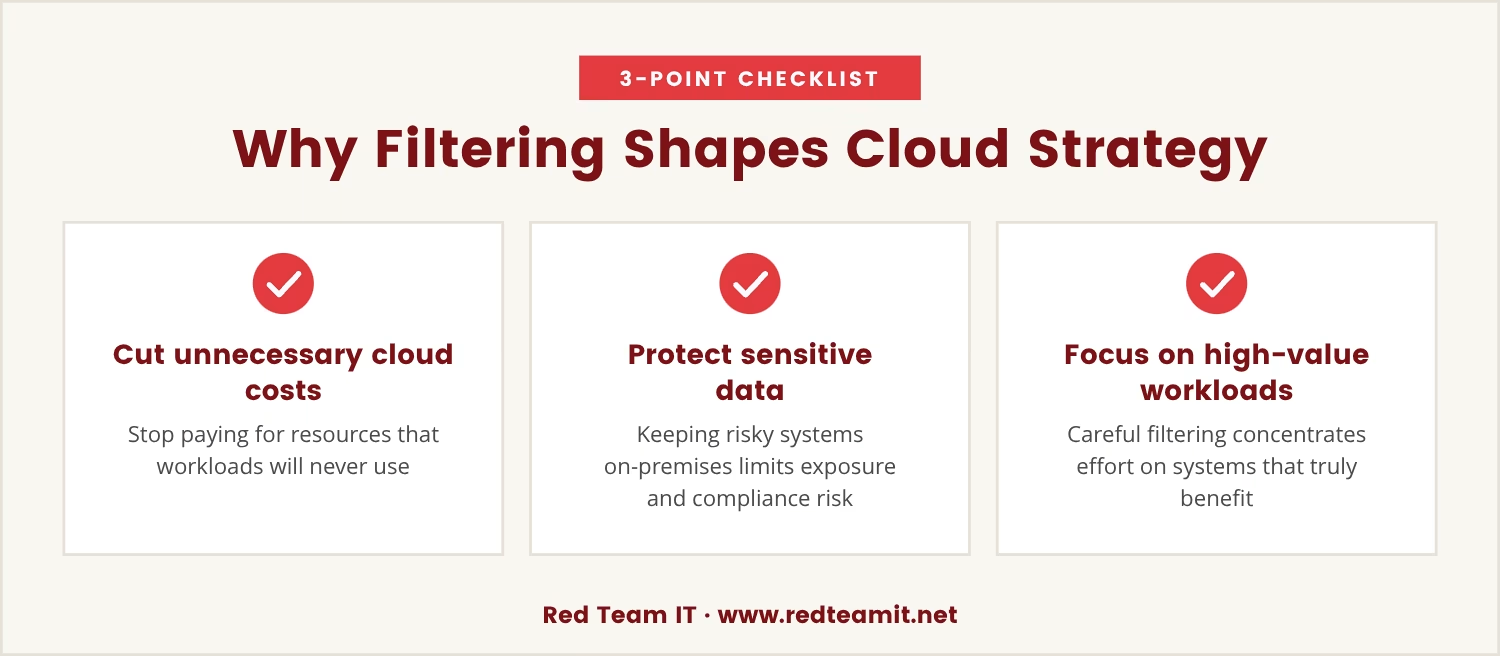
Filter out systems that don't belong in the cloud, and you stop paying for resources you'll never use. That's cost optimization in its most direct form, and it starts before any technical work begins.
Filtering also protects data. Some systems hold sensitive information or carry compliance requirements that make cloud migration genuinely risky, so keeping them on-premises reduces exposure and keeps control in-house.
The payoff compounds from there: a careful filtering process lets your team concentrate on the systems that truly benefit from cloud features, which means more value from the migration instead of resources spread thin across workloads that gain little from the move.
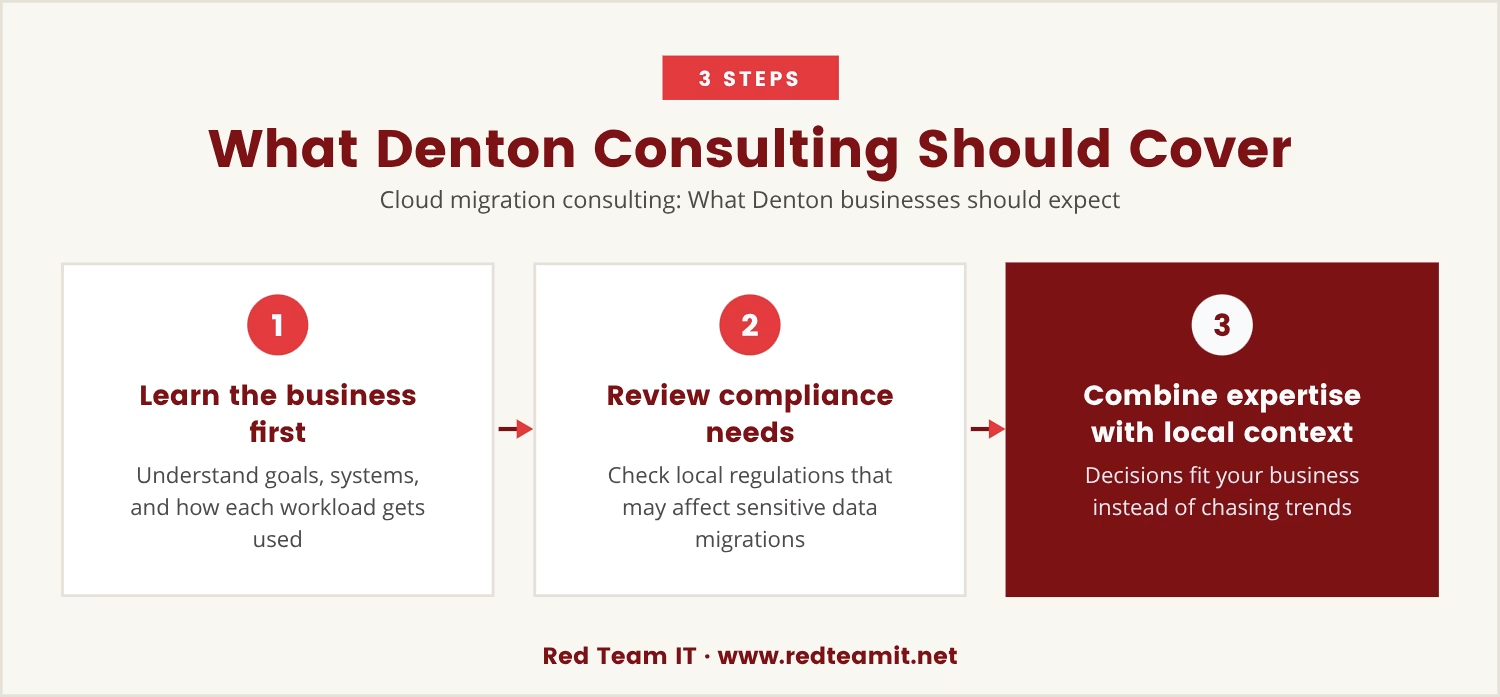
Cloud migration consulting involves more than technical support, and for businesses in Denton, the right consultant pairs that technical grounding with local understanding and attention to your specific needs.
A good consultant starts by learning your business, your goals, and your current systems, asking how each workload gets used and what it costs to keep running.
From there, the questions turn to compliance requirements and any local regulations that might affect the migration, a detail that matters most for businesses handling sensitive data or operating in regulated industries.
Combine technical expertise with that local context, and the decisions that follow fit your business rather than chasing the latest trend.
Deciding which systems to leave out of a migration plan isn't always obvious. A few areas tend to carry the most weight:
Older systems often don't run well in a cloud environment. Migrating them can trigger compatibility issues or demand expensive rewrites.
Some workloads sit idle most of the time or serve only occasional reporting needs. Keeping these on-premises saves money and cuts complexity.
Systems carrying strict compliance requirements are often safer and easier to manage in your own data center, where control stays fully in-house.
Storing huge volumes of unchanging data in the cloud gets expensive fast. Local storage is frequently the better fit for these files.
Applications that need very low latency or direct hardware access often run better outside the cloud entirely.
A system tightly woven into on-premises equipment or processes can break workflows or demand major rework once it's moved.
Treat your consultant as someone who simply moves systems, and you miss their most valuable skill: judgment. The technical move is only part of the job.
Skip the filtering step, and the cloud environment that results ends up full of systems that never belonged there, which drives higher costs, added complexity, and slower performance.
Beyond that, you risk losing control over your data and opening your business to new security threats. A wrong move here is hard to undo, and the costs can linger for years.
A consultant who works as a filter heads off these problems by making sure only the right systems make the move.
Getting a cloud migration right starts with the filtering process. A few practical steps help:
The best cloud migration consultants steer you away from costly mistakes by focusing on what not to move. Their value sits in judgment, not just technical execution.
Treat your consultant as a filter, and you protect your budget, your data, and your operations all at once, landing on a cloud environment built around what your business actually needs.

If your business has 5 to 150 employees—especially if you manage 50 or more users—you know that moving to the cloud is a big decision. At Red Team IT, we understand how easy it is to overlook which systems should stay put and which are worth migrating.
We invite you to see how our team approaches cloud migration as a filtering process, not just a technical move. Let’s talk about your setup and make sure you only pay for what truly belongs in the cloud.
Switching managed service providers? You can get 20% off your first year with Red Team IT when you make the move.
Look at how each workload is used, its technical requirements, and what cloud features like scalability or remote access would actually add. Systems that need frequent updates, flexible scaling, or remote collaboration tend to make good candidates, while workloads with strict compliance needs or that rarely change are often better left on-premises.
A provider asking detailed questions about your business goals, current systems, and compliance needs is likely focused on filtering. Expect them to challenge whether each workload truly belongs in the cloud and to explain the risks of moving the wrong ones; a provider who only discusses technical migration steps may be worth a second look.
Yes. Leaving out systems that gain nothing from cloud features means not paying for unnecessary storage, compute power, or ongoing management, which keeps the cloud environment efficient and costs under control over time.
Absolutely. A good migration plan leaves room for future changes, so needs can be reassessed and additional systems moved later, once the initial migration shows how it performs. That staged approach minimizes risk and builds in room to learn along the way.
Cloud migration consulting centers on deciding which systems to move, how to move them, and what to leave behind. Other consulting services might address broader IT strategy, security, or ongoing support, but migration consulting focuses specifically on planning and executing a move to the cloud around your business goals.
%2520(1).png)
.svg)