COO

A commercial wifi installation can still fail under real office load if device density, access point placement, network segmentation, or redundancy planning are overlooked. Skipping any one of these quietly exposes a business to outages or security risks, no matter how strong the setup appears.
A wireless network earns its reputation the moment real traffic hits it: dozens of phones, laptops, and tablets competing for the same channel, access points straining under load they were never mapped for, and each extra device shaving a little more capacity off everyone else's connection.
That's the moment a business wifi solution either holds together or starts dropping calls.
Once that happens, the stakes become clear. A reliable wireless network is more than fast internet access — it's the backbone of daily work, video calls, and cloud services, so when it falters, productivity drops and frustration rises right along with it.
What separates a network that holds up from one that doesn't is rarely the obvious stuff. Most businesses chase speed or coverage numbers and miss the quieter factors that actually decide whether wifi keeps working once the office fills up.
For a Denton office, that means looking past the sales sheet and toward the details that prevent hidden outages and security gaps. Here's what actually makes or breaks a commercial wifi installation.

Most wifi problems in busy offices trace back to too many devices connecting at once, and the count runs higher than most people guess. Every phone, laptop, tablet, printer, and even smart TV or IoT gadget competes for the same bandwidth and airtime.
As device density climbs, so does interference and congestion, and that combination shows up as slow speeds, dropped connections, or full-on outages. The internet service provider or router is often blameless; the real culprit is the sheer volume of wireless signals fighting for the same space.
That's why a network built for a handful of users can crumble the moment dozens of devices pile on. Planning for device density is essential, not optional — if a Denton office expects 50 or more users, the network has to account for every device those users carry, not just the headcount.
Skip that planning and the failures stay invisible until they aren't. The network can run fine during setup or after hours and still buckle under real-world load, which is exactly why planning for peak device counts is the only way to keep a wifi solution reliable.
Where each access point (AP) sits determines how well the whole network performs, and no amount of good equipment compensates for a bad location. Place APs too close together and their signals overlap and interfere; space them too far apart and dead zones appear where coverage simply drops out.
Walls, glass, metal, and even office furniture weaken or block wifi signals along the way, and an open-plan office has different needs than one carved into small rooms. The layout of a Denton workspace matters just as much as the technology sitting inside it.
That's why a professional business wifi setup relies on site surveys and heatmaps to find the right spot for each AP, checking for interference sources like microwaves or cordless phones and confirming coverage reaches every corner. Skip that step and patchy service, along with frustrated users, tends to follow.
Good placement does more than fill gaps — it balances load. When APs sit in the right spots, devices connect to the nearest one with the strongest signal, spreading traffic out and cutting bottlenecks, which matters even more in offices running high-speed internet, where one weak spot can drag down the whole team.
Every business wants wifi that just works, yet few realize which details actually make that happen. Four overlooked factors quietly decide whether a commercial wifi installation holds up under real office demands:
The total number of devices, not just users, determines how much stress the network faces, and phones, laptops, and IoT devices all add up fast.
Strategic placement avoids dead zones and interference so every area gets strong, stable coverage, while poor placement leaves weak signals and dropped connections in its wake.
Separating guest, staff, and critical systems into distinct network segments limits the damage from any security breach and keeps sensitive data safer.
Backup systems and failover paths keep wifi running even when one part fails, while without redundancy, a single outage can bring business to a halt.
These four factors reinforce each other rather than operating in isolation. Miss even one and the business stays exposed to outages or security risks, even after installation wraps up.
Network segmentation divides a wireless network into separate sections, or VLANs, and far from being a mere technical detail, it functions as a frontline defense for the business behind it.
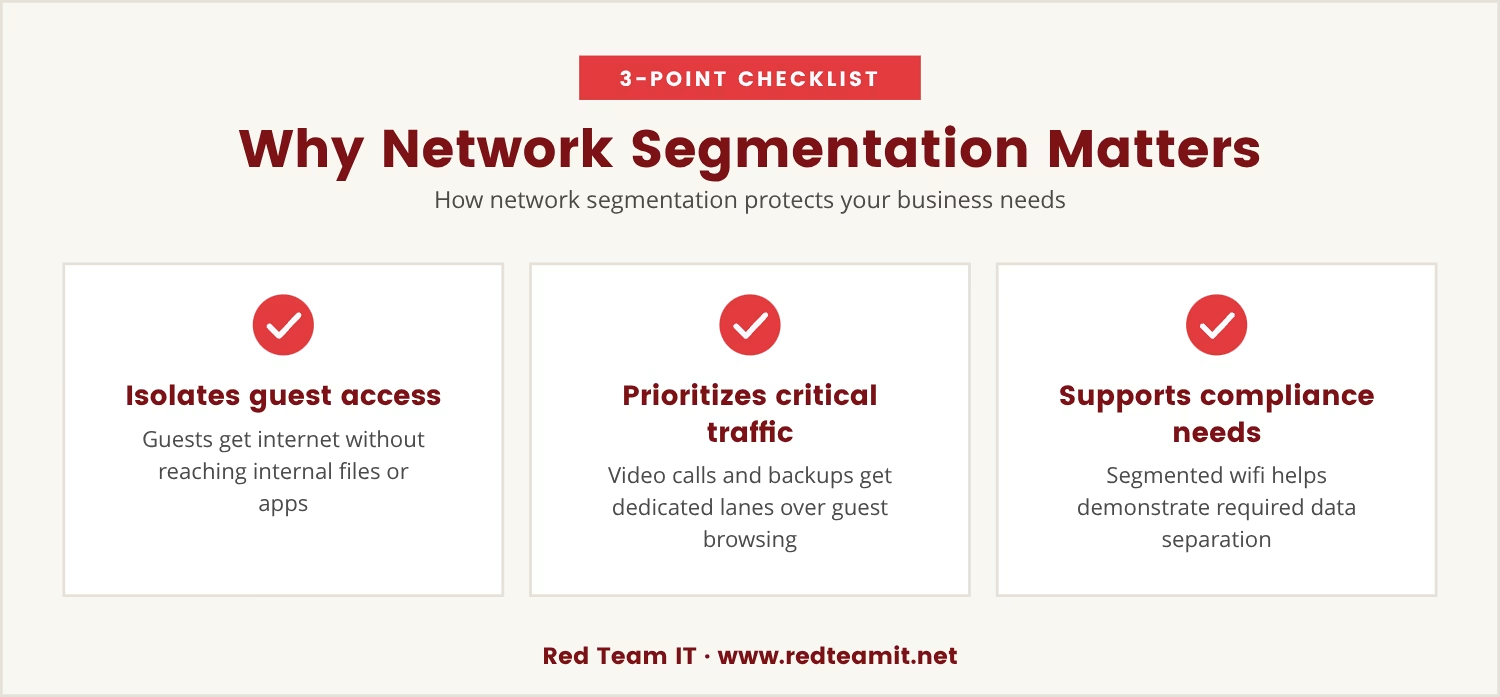
Segmenting the network keeps guest access walled off from internal systems, so visitors get internet access without ever touching confidential files or business applications, which cuts the risk of accidental leaks or intentional attacks.
Segmentation also manages bandwidth by giving priority to business-critical traffic, so less important devices can't slow down essential work: video calls and cloud backups get their own dedicated lanes while guest browsing stays confined to its segment.
For a Denton business handling sensitive information, segmentation carries a compliance benefit too, since some industries require strict data separation to meet legal or regulatory standards, and a segmented wifi network makes that separation easy to demonstrate.
Skipping segmentation is like leaving every door in the office unlocked. It's a simple step, yet it changes both security and performance by a wide margin.
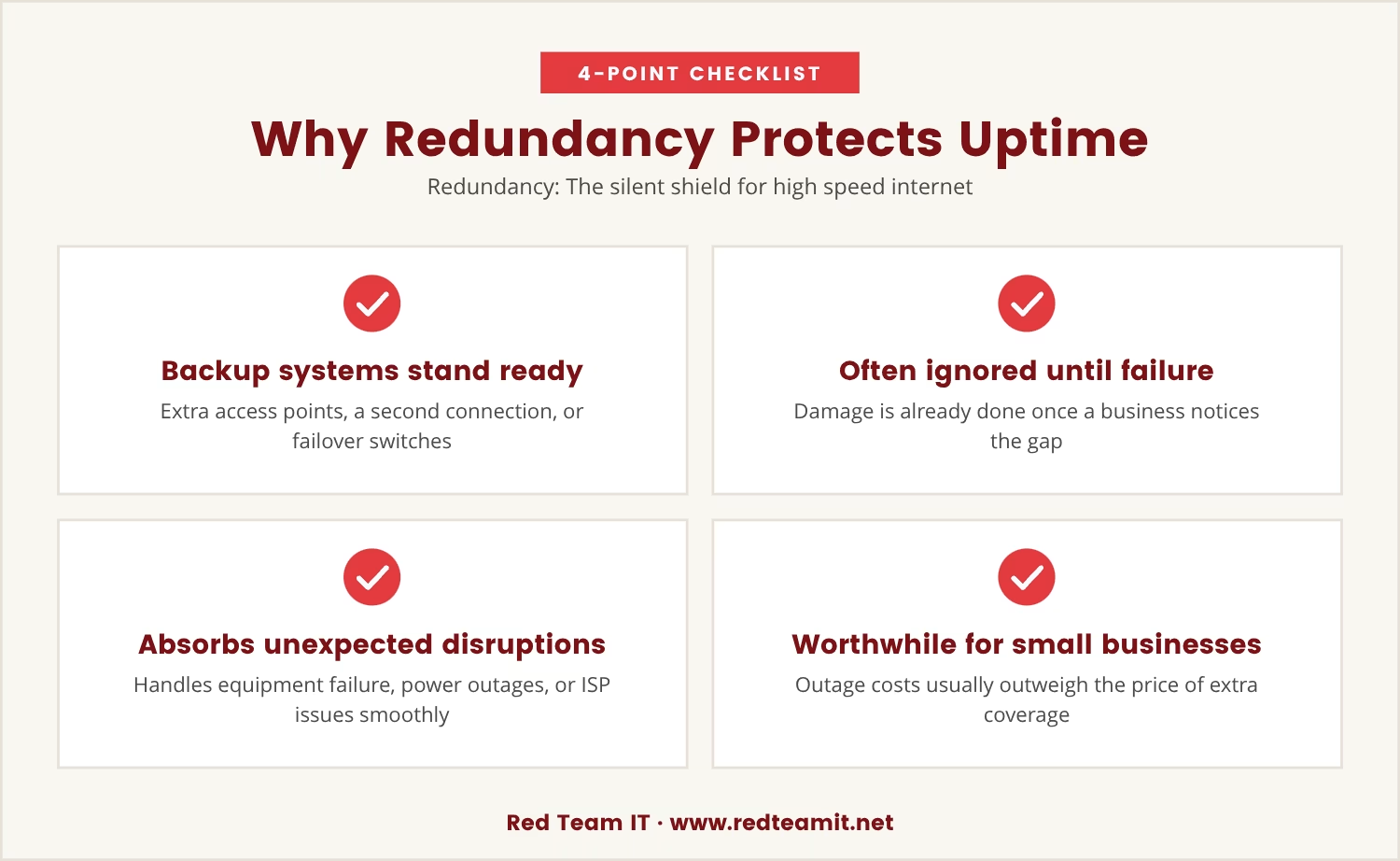
Redundancy means backup systems stand ready to take over the moment something fails, whether that's extra access points, a secondary internet connection, or an automatic failover switch.
Most businesses never think about redundancy until something breaks, and by then the damage is already done: lost productivity, missed calls, lost sales. Planning for redundancy ahead of time means the network absorbs equipment failures, power outages, or ISP disruptions without missing a beat.
One common approach layers overlapping wifi coverage, so if one access point fails, another picks up the slack, while some setups add a backup internet provider so the connection stays live even if the main service drops.
None of this is reserved for big companies, either — a small business in Denton can benefit just as much from a simple backup plan, since the cost of a short outage usually outweighs the investment in extra coverage.
Some signs of a weak wifi setup are obvious; others stay hidden until the network is under real stress. Watch for these warning signs that a network may need a review:
If any of these sound familiar, it's worth checking whether device density, access point placement, segmentation, or redundancy is the root cause.
Before investing in new wifi equipment or services, a few targeted questions can reveal whether the next installation will hold up under real-world demands:
Asking these questions up front heads off costly surprises later, since the right answers confirm that a business wifi solution is built for reliability, not just speed.
A wifi network that looks good on paper but fails under pressure is a hidden liability, and the gap between a network that survives daily office life and one that doesn't usually comes down to planning for the factors most people overlook.
Device density, access point placement, network segmentation, and redundancy aren't technical footnotes — they're the foundation of a reliable business wifi solution, and skipping any one of them risks outages or security gaps that cost more than expected.
For Denton businesses, attention to these details translates into fewer headaches, smoother workdays, and a network that supports growth instead of holding it back.

Many businesses with 5 to 150 users—especially those with 50 or more devices—find that their wifi struggles under real office conditions. At Red Team IT, we understand how frustrating it is when a network that should work just doesn’t hold up.
If you’re ready to see how we approach reliable wifi for Denton businesses, let’s talk about your current setup and what it would take to make it truly dependable.
Switch your managed IT services to us and get 20% off your first year—an easy way to upgrade your wifi reliability while saving money.
Check how many devices connect during the busiest times, not just the number of employees on staff. Slow speeds, dropped connections, or frequent complaints point to an overloaded network, and adding or upgrading access points helps handle higher device density.
Business class internet typically offers higher speeds, better reliability, and dedicated support compared to standard home internet. It's built to handle more users and includes features like service level agreements (SLAs) and faster response times for outages.
Network segmentation divides a wireless network into separate sections, keeping guest access and sensitive business data apart. This limits unauthorized access and protects confidential information from potential breaches.
Yes — managed services monitor the wifi network, handle updates, and address issues before they disrupt the business. This proactive approach tends to mean fewer outages and better overall performance.
Look for a provider with experience in commercial wifi installation, a track record of reliability, and the ability to design networks around specific needs. Ask about support, redundancy options, and how they plan for device density and access point placement.