COO
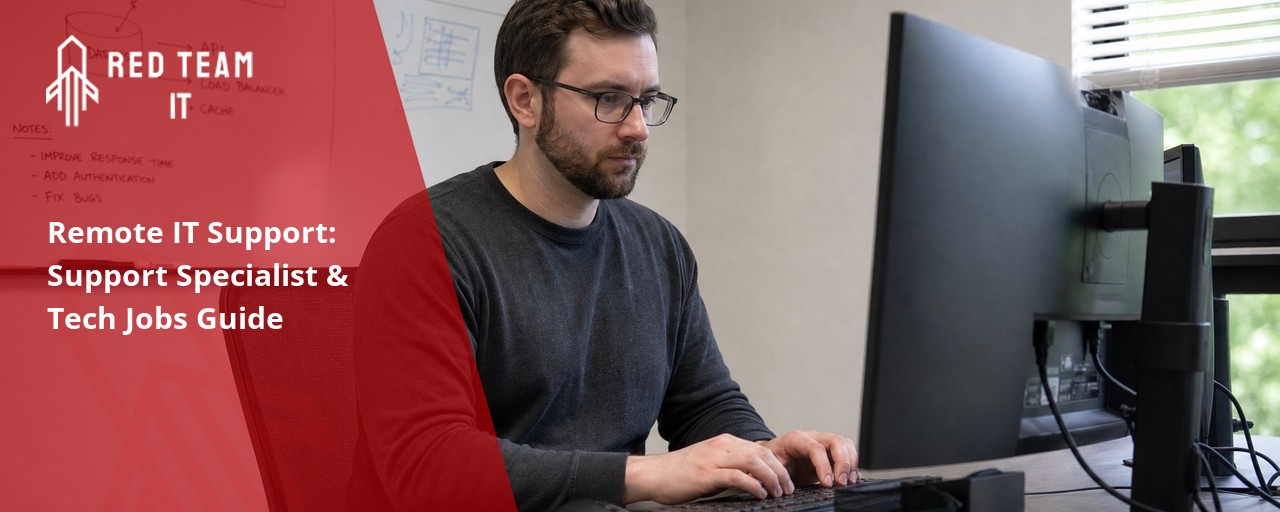
What we keep hearing from businesses is that many teams assume remote IT support is only for emergencies or when something breaks. But the real value comes from proactive monitoring and fast response, not just fixing problems after the fact. "Remote IT support is most effective when it prevents issues before they disrupt your business." Industry research shows that companies using remote IT support experience fewer major outages and faster recovery times compared to those relying only on in-person help.
Remote IT support means your technology can be managed, maintained, and fixed from anywhere. This approach lets you get help from a support specialist or a team of specialists without waiting for someone to arrive onsite. For small businesses, this can be a game-changer—especially when you need quick troubleshooting, help desk support, or someone to resolve technical issues remotely. With more companies offering fully remote support jobs and technical support roles, you can access a wider range of talent and expertise, even if your business is not in a major city.
Remote IT support is a way for businesses to get technical help without needing someone physically present in the office. Instead, a remote job technician or support specialist can access your systems over the internet to fix problems, install updates, or provide advice. This is especially useful for small businesses that may not have a full-time IT team.
With remote IT support, you can reduce downtime and keep your operations running smoothly. It also allows you to tap into a broader pool of tech experts who can handle everything from troubleshooting to ongoing maintenance. Many companies now use remote IT support for small business needs, making it easier to stay secure and productive.

Even with the best intentions, businesses often make mistakes when setting up or using remote IT support. Here are some key areas to watch out for:
Choosing the right support specialist is crucial. If you skip proper background checks or don't verify experience, you may end up with someone who can't handle complex issues. Always ask for references and check their technical skills before hiring.
Security should be a top priority. Failing to set up secure connections or ignoring password policies can put your data at risk. Make sure your remote IT support provider follows strong security standards and uses encrypted tools.
Clear communication is essential. If your team doesn't know how to reach your remote IT support or what to expect, problems can escalate. Set up regular check-ins and clear reporting lines to keep everyone informed.
Using old or unsupported software makes it harder for remote IT support technicians to help you. Keep your systems updated so your support team can work efficiently and securely.
As your business grows, your IT needs will change. If you don't plan, you may outgrow your current remote IT support setup. Choose a provider who can scale with you and offer more advanced services as needed.
It's easy to set up remote IT support and forget about it. But regular reviews help you spot gaps, improve processes, and ensure you're getting the best value. Schedule check-ins with your support provider every few months.
Remote IT support for small businesses offers several important advantages:

A support specialist plays a key role in making sure your systems stay up and running. They monitor your network, apply updates, and handle day-to-day technical support tasks. By working remotely, they can respond faster to issues and often fix problems before you even notice them.
Remote IT support for small businesses means you don't have to worry about hiring a full-time technician or maintaining expensive equipment onsite. Instead, your support specialist uses secure tools to access your systems and provide help as needed. This approach is especially helpful for businesses that want to focus on growth without getting bogged down by technical issues.
A good support specialist will also help you plan for the future. They can recommend upgrades, suggest new tools, and make sure your technology is ready for whatever comes next. With their help, you can avoid common pitfalls and keep your operations running smoothly.
Finding the right remote IT support technicians takes more than just posting a job ad. Here are some strategies to help you build a strong team:
Start by listing the specific skills and experience you need. Do you need someone for basic helpdesk support, or do you need a technical support engineer with advanced knowledge? The clearer you are, the better your chances of finding the right fit.
Look for candidates on reputable job boards that specialize in remote IT support positions. This helps you reach people who are already experienced in working remotely and understand the unique challenges it brings.
Before hiring, set up a practical test or scenario that matches your real-world needs. This could be a troubleshooting exercise or a simulated help desk ticket. It helps you see how candidates handle pressure and solve problems.
Remote work relies heavily on clear communication. Make sure your candidates can explain technical issues in simple terms and are comfortable using chat, email, or video calls to stay in touch with your team.
Ask about their experience with cybersecurity and data protection. Remote IT support technicians should know how to keep your systems safe, especially when working with sensitive information.
Technology changes quickly. Make sure your team members are open to learning new tools and staying up to date with the latest best practices. Offer regular training sessions or access to online courses.

A reliable remote IT support system should include:
Getting started with remote IT support is easier than you might think. First, assess your current technology setup and identify any gaps or outdated systems. This helps you understand what kind of support you need and where a remote team can add the most value.
Next, choose a provider with experience in your industry and a strong track record of helping small businesses. Look for someone who offers flexible support options, including tiered service levels and the ability to scale as your needs change. Make sure they use secure tools and follow best practices for data protection.
Finally, set up clear communication channels and regular check-ins with your remote IT support team. This keeps everyone on the same page and ensures your technology stays aligned with your business goals.
To get the most out of your remote IT support partnership, follow these best practices:
By following these steps, you can build a strong, reliable partnership that keeps your technology running smoothly.
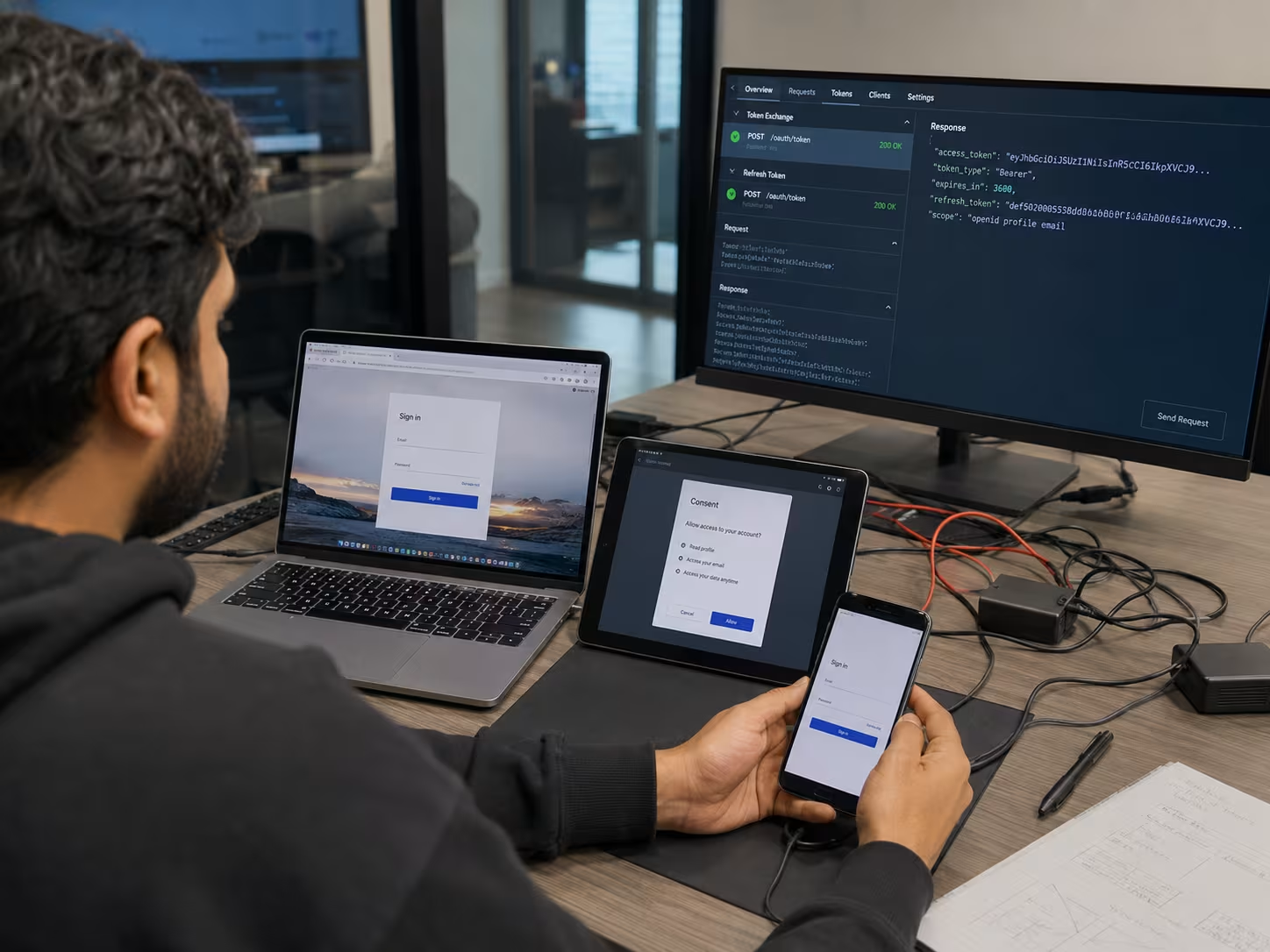
Are you a business with 50 or more users looking for a better way to manage your technology? If you’re growing and need reliable support for your team, our remote IT support services are designed for companies just like yours.
We understand the challenges that come with managing complex systems and keeping everything running smoothly. Our team at Red Team IT specializes in helping businesses with 5-150 employees, offering scalable solutions, fast response times, and expert support. Contact us today to see how we can help your business thrive.
When choosing a remote IT support specialist, focus on experience with troubleshooting and customer support. Look for someone who has worked with help desk systems and understands your industry’s needs. Ask about their approach to resolving technical issues and supporting team members remotely.
A good specialist will also be familiar with fully remote operations and have experience with Microsoft tools or MSP environments. They should be able to handle both day-to-day technical issues and more complex projects as your business grows.
Remote IT support allows technicians to resolve issues without being physically present, using secure remote access tools. This means faster response times and less downtime for your business. It’s especially useful for businesses with multiple locations or remote job roles.
Traditional technical support often involves waiting for someone to arrive onsite, which can delay problem resolution. Remote support jobs can handle most issues quickly, keeping your operations running smoothly and efficiently.
Yes, remote IT support can play a key role in cybersecurity by monitoring your systems for threats and applying updates. Many support jobs now include cybersecurity as a core service, helping you stay protected against new risks.
They can also advise on best practices for data protection, such as using strong passwords and regular backups. Working with a remote support specialist ensures your business stays secure, even as threats evolve.
Hiring remote IT support technicians gives you access to a wider range of skills and experience, without the cost of full-time employees. You can scale your support as needed, bringing in specialists for specific projects or ongoing help desk support.
Remote IT support positions also allow you to tap into talent from different locations, which can be especially helpful if you need expertise in areas like vendor management or tier 2 support. This flexibility helps your business stay agile and competitive.
Start by setting clear expectations and service level agreements with your provider. Make sure they understand your operational requirements, including response times and escalation paths for technical issues.
Regular check-ins and performance reviews help you track progress and address any concerns. Look for a provider who is proactive about communication and willing to adapt as your needs change.
To verify the skills of a remote IT support analyst, ask for certifications and references from previous support jobs. Set up a practical test or scenario to see how they handle real-world technical issues.
Check their experience with service desk platforms and their ability to work with team members remotely. A strong analyst should be comfortable with both troubleshooting and ongoing system maintenance.
%2520(1).png)
.svg)