COO
What we keep hearing from businesses is that they often trust their email filters a bit too much, assuming those built-in tools will catch every risky message. But here’s the reality: no single system can block every email threat, and attackers are always finding new ways around basic defenses. "Email threat protection is essential because even one missed attack can lead to major business disruption." Industry research shows that phishing and ransomware attacks are still among the top causes of data breaches for companies of all sizes.
Email threat protection means using a mix of tools and strategies to stop harmful emails before they cause damage. It’s about more than just blocking spam—it covers everything from advanced threat detection to quick remediation if something slips through. With threats like phishing, malware, and business email compromise on the rise, having a strong approach to email protection is now a must for every organization. Understanding the basics will help you keep sensitive data safe and avoid costly mistakes.
Email threat protection is the process of defending your company’s email accounts and messages from cyberattacks. This includes stopping phishing attempts, blocking malware, and preventing attackers from stealing information or taking over accounts. Many businesses use advanced threat protection for email to scan inbound messages, filter out spam, and detect malicious links or attachments before they reach users.
The main goal is to keep your business running smoothly and protect your reputation. Email remains one of the most common ways attackers try to get into company systems, so having reliable systems in place is critical. With the right email security solution, you can reduce the risk of data breaches and keep your team focused on their work instead of worrying about the next attack.

Even with good intentions, businesses sometimes make mistakes that leave them open to email attacks. Here are some of the most common issues we see:
Many companies trust the default spam filters in their email gateways or Microsoft 365 accounts. While these filters catch obvious junk, they often miss targeted phishing emails or advanced threats. Relying on them alone can leave your business exposed to more sophisticated attacks.
Failing to update your email security tools or operating systems can create gaps that attackers exploit. Regular updates help close vulnerabilities and improve your overall threat protection.
Even the best technology can’t stop every threat. If your team doesn’t know how to spot a phishing email or suspicious attachment, they might accidentally let attackers in. Ongoing training is key to building a strong defense.
Some businesses skip advanced threat protection for email because they think it’s only for large companies. But targeted attacks can hit organizations of any size, so it’s important to use advanced tools that scan for new and evolving threats.
If an attack does get through, not having a plan for quick remediation can make things worse. It’s important to know who will respond, how to isolate affected accounts, and how to communicate with your team.
Attackers sometimes use stolen credentials to access email accounts and launch further attacks. Monitoring for unusual login activity can help you catch account takeover attempts early.
Sending sensitive data without proper encryption or security controls can lead to accidental data breaches. Make sure your email protection strategy includes ways to keep confidential information safe.
A solid email threat protection strategy offers several important advantages:

Advanced threat protection for email goes beyond basic filters by using threat intelligence, machine learning, and real-time analysis to spot new types of attacks. This is especially important as attackers get more creative with phishing and impersonation tactics. By analyzing patterns and scanning attachments or links, advanced systems can catch threats that traditional tools miss.
For businesses, this means fewer disruptions and a stronger defense against data breaches. Advanced threat protection also helps with compliance, since many regulations now require companies to take reasonable steps to protect sensitive data. Investing in these solutions is a smart move for any organization that relies on email for daily operations.
There are many different types of email threats, and each requires a specific approach. Here’s a closer look at the most common ones and how to defend against them.
Phishing emails try to trick users into clicking malicious links or giving up sensitive information. Training your team to spot suspicious messages and using email security tools that scan for phishing email patterns can help reduce risk.
Malware can be hidden in attachments or links, and ransomware can lock your files until you pay a ransom. Advanced threat protection for email scans inbound messages for signs of malware and blocks them before they cause harm.
BEC attacks use impersonation to trick employees into sending money or sensitive data. Multi-factor authentication and monitoring for unusual activity can help stop these attacks.
Spam isn’t just annoying—it can hide more serious threats. Reliable email gateways filter out spam and reduce the risk of users clicking on malicious content.
Attackers may steal login credentials to access email accounts. Monitoring for signs of account takeover and requiring strong passwords can help prevent this.
Sensitive data sent over email can be intercepted if not properly protected. Encryption and data loss prevention tools are essential for keeping information safe.
Attackers are always changing tactics. Using threat intelligence and regular scans helps you stay ahead of new inbound threats.
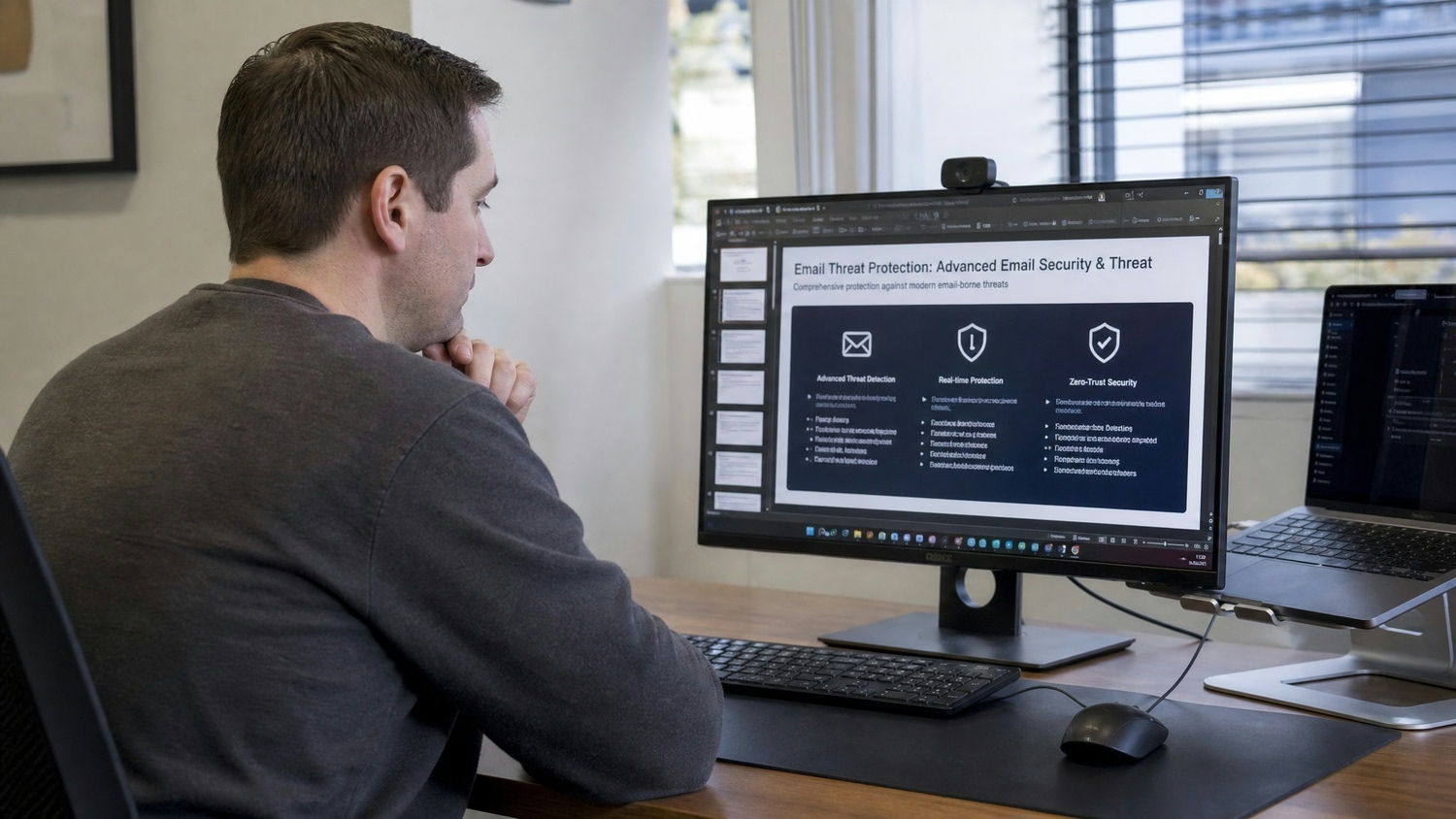
Putting a strong email threat protection plan in place doesn’t have to be complicated. Start by assessing your current email security solution and identifying any gaps. Make sure you have reliable systems for filtering spam, scanning for malware, and detecting phishing attempts.
Next, invest in advanced threat protection for email to catch more sophisticated attacks. Train your team regularly so they know what to look for and how to report suspicious messages. Finally, set up a clear remediation plan so you can respond quickly if an attack does get through. Regular reviews and updates will keep your defenses strong as threats evolve.
Following best practices helps ensure your email threat protection stays effective over time:
Staying proactive with these steps can make a big difference in keeping your business safe.

Are you a business with 5-150 employees, especially if you’re running systems for 50 or more users? If your company is growing, it’s time to make sure your email threat protection is ready to scale with you. Many organizations in this range face increasing risks but don’t always have the resources to manage advanced security on their own.
Our team at Red Team IT specializes in helping businesses like yours set up and maintain reliable email security. We understand the challenges of keeping sensitive data safe and stopping advanced threats before they cause problems. If you want to protect your business and stay ahead of attackers, contact us today to see how we can help.
Email threat protection goes beyond standard email security by using advanced threat intelligence and real-time scanning to detect sophisticated attacks. While basic email security might block spam or obvious threats, advanced systems can identify and stop targeted phishing or malware that traditional filters miss.
For companies using Microsoft 365 or similar platforms, adding advanced threat protection for email helps defend against new attack methods. This layered approach is especially important for businesses with sensitive data or compliance needs.
Businesses should be alert for phishing, ransomware, business email compromise, and impersonation attacks. These threats often target employees with convincing messages that look legitimate.
Attackers may also use malicious attachments or links to install malware or steal credentials. Regular training and up-to-date email protection tools are key to reducing these risks.
Remediation is the process of responding quickly when a threat is detected, helping to limit damage and restore normal operations. Without a clear plan, even a small incident can escalate.
Effective remediation includes isolating affected accounts, scanning for additional threats, and communicating with your team. This approach helps prevent data breaches and keeps your business running smoothly.
Protecting sensitive data requires more than just blocking spam. Use encryption and data loss prevention tools to keep confidential information safe during transmission.
Regularly review who has access to sensitive data and train employees on best practices. These steps help prevent accidental data breaches and keep your business compliant with regulations.
Best practices include training employees to spot phishing email tactics and using multi-factor authentication to prevent unauthorized access. Advanced threat protection for email can also scan for impersonation attempts.
Monitoring for unusual activity and regularly updating your email security solution adds another layer of defense. These steps make it harder for attackers to succeed.
Look for a solution that offers advanced threat detection, easy integration with your current systems, and strong support for remediation. Consider your company’s size, compliance needs, and the types of email threats you face.
A leader in email security will provide tools for monitoring, reporting, and ongoing updates. Choosing the right partner helps ensure your email remains protected as your business grows.
%2520(1).png)
.svg)