COO
Managing your IT assets isn’t just about keeping track of laptops and servers. It’s about having a clear, centralized view of everything you own, where it is, how it’s used, and when it needs attention. In this blog, we’ll walk through how IT asset management solutions help you streamline operations, reduce waste, and ensure compliance. You’ll learn what IT asset management is, why it matters, and how the right system can save time and money.
We’ll also cover how to manage software licenses, track hardware assets, and maintain an up-to-date asset inventory. Whether you're looking to optimize your asset lifecycle or automate your workflows, this guide will give you the practical steps to get started.
IT asset management solutions give your business a structured way to track and manage all your technology assets. This includes both hardware and software, from laptops and servers to software licenses and cloud subscriptions. A good system helps you see what you have, where it is, and how it’s being used.
These solutions are especially useful for growing businesses. As your team expands, keeping track of devices and licenses manually becomes risky and time-consuming. An IT asset management system helps centralize your asset data, automate updates, and ensure nothing slips through the cracks. It also supports ITSM practices by connecting asset data with service desk operations.
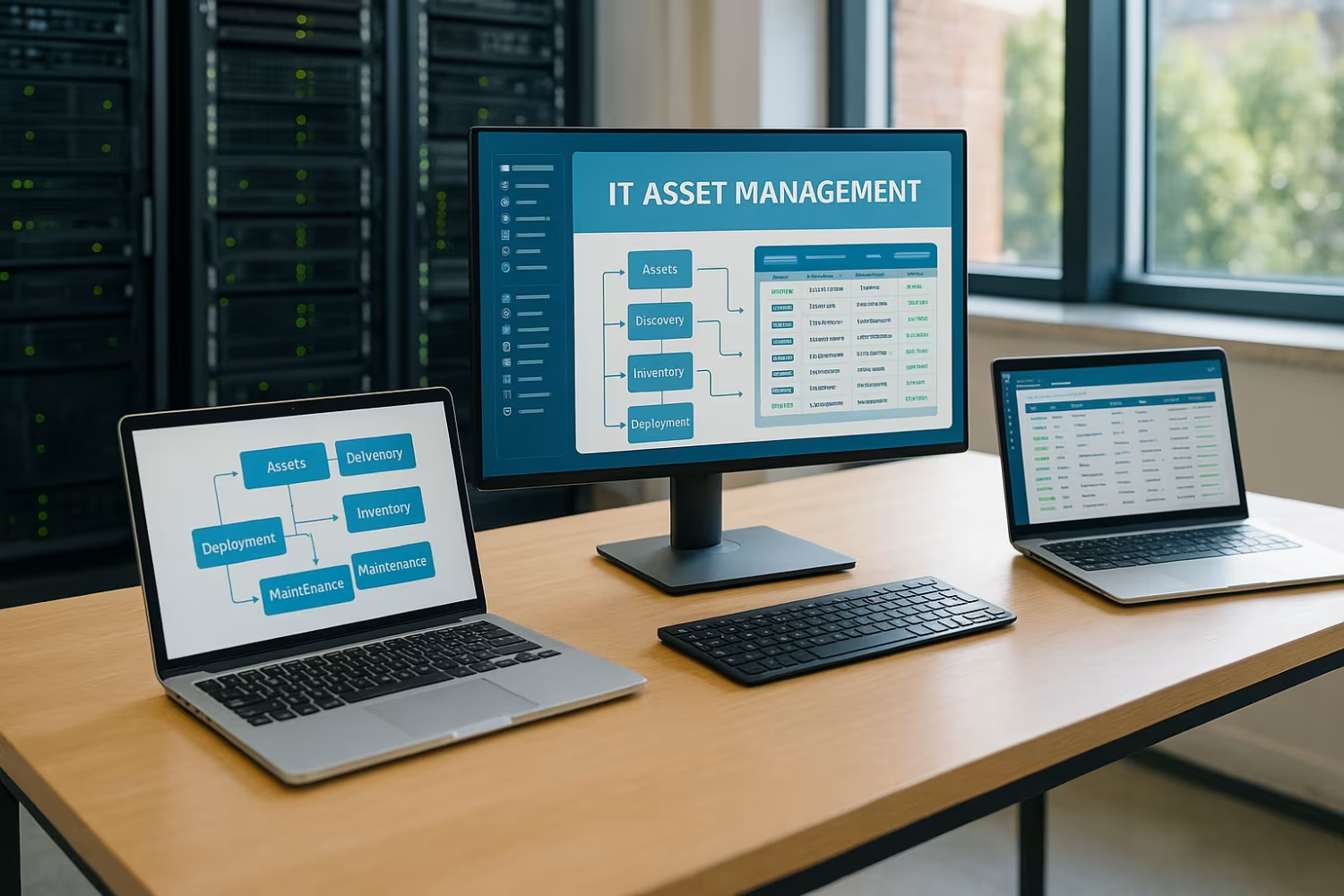
If you want to get the most out of your IT asset management system, here are a few strategies to follow. These steps help you avoid common mistakes and build a reliable process.
You can’t manage what you don’t know you have. Begin by creating a full inventory of all hardware and software. This includes desktops, laptops, mobile devices, and software licenses. Make sure the data is accurate and up-to-date.
When your asset management tools connect with your service desk, your team can resolve issues faster. For example, if a user submits a ticket, the technician can instantly see the device’s history and specs.
Manual tracking leads to errors. Automate tasks like software updates, warranty checks, and license renewals. This reduces human error and frees up your IT team’s time.
Every asset has a lifecycle—from purchase to retirement. Define clear policies for each stage, including procurement, deployment, maintenance, and disposal. This helps you plan ahead and reduce unnecessary costs.
Avoid using multiple spreadsheets or disconnected systems. A single source of truth makes it easier to manage assets, run reports, and ensure compliance.
Track the condition and usage of hardware assets. This helps you spot aging equipment, prevent downtime, and plan replacements before failures happen.
Set a schedule to review your asset data and processes. Look for gaps, outdated records, or unused licenses. Optimization is an ongoing process.
Here’s what you can expect when you implement a reliable IT asset management solution:

Lifecycle management is more than just knowing when to replace a laptop. It’s about understanding the full journey of every asset—from purchase to retirement. When you manage this process well, you reduce waste, avoid surprise failures, and make smarter budget decisions.
For example, knowing when warranties expire helps you plan replacements before downtime hits. Tracking software renewals ensures you don’t pay for tools you no longer use. With lifecycle management in place, you get better asset control and long-term savings.
To build a strong asset management process, you need the right tools and workflows. Here are some key components to include.
These tools scan your network to identify connected devices. They help you build and maintain an accurate inventory without manual input.
A CMDB stores detailed information about each asset, including relationships and dependencies. It’s essential for understanding how assets impact each other.
Automate tasks like onboarding, software deployment, and asset retirement. This reduces errors and speeds up routine processes.
Linking your asset data with your service desk helps technicians resolve issues faster and with better context.
Use dashboards to monitor asset performance, usage trends, and compliance status. This helps you make informed decisions.
If your team works across locations, mobile access ensures they can update asset records in real time.
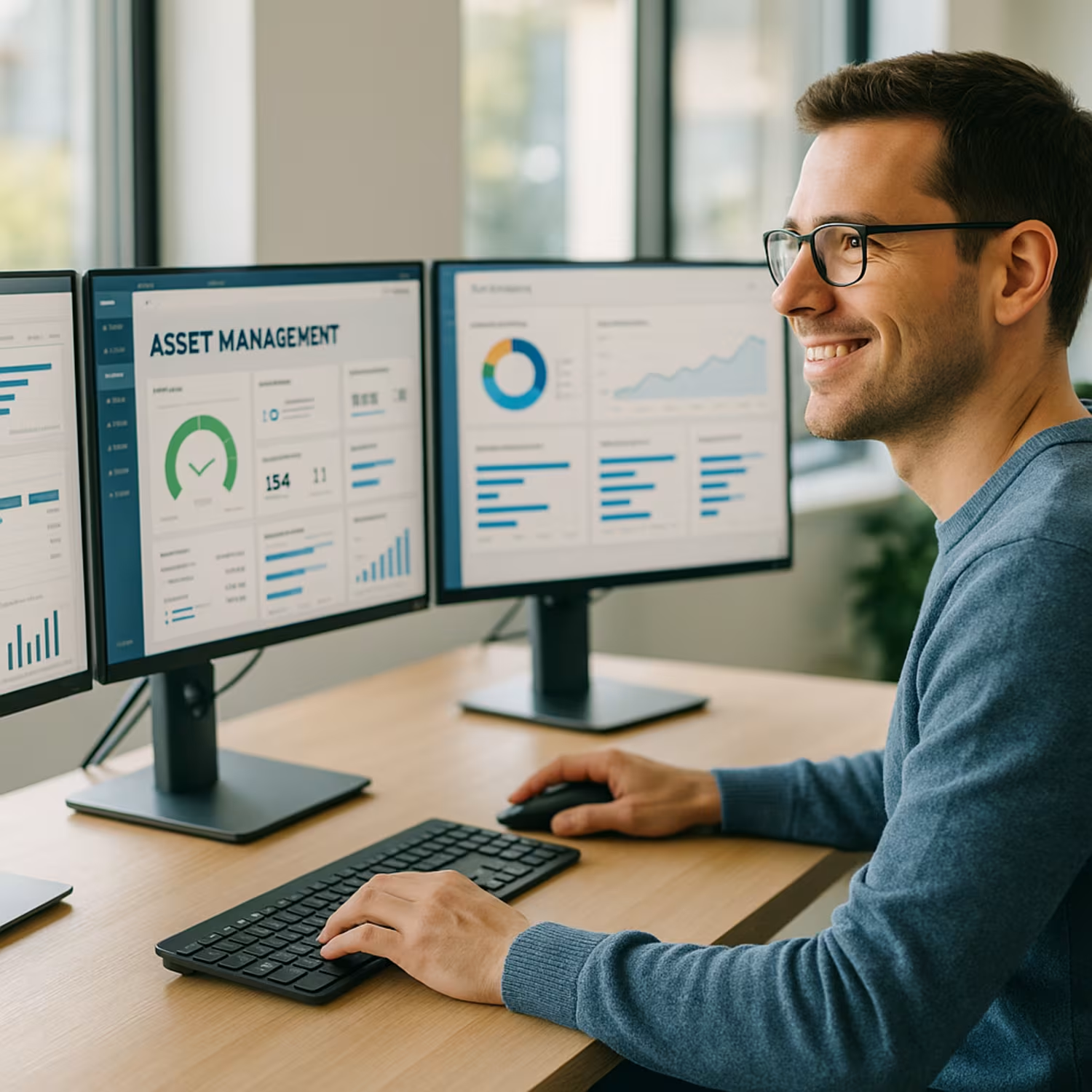
Start by identifying your asset management needs. What assets do you have? Who uses them? What problems are you trying to solve? Once you know your goals, choose a system that fits your size and complexity.
Next, assign roles and responsibilities. Decide who will manage the system, update records, and review reports. Train your team so everyone follows the same process. Finally, review your setup regularly. Asset management isn’t a one-time project—it’s an ongoing process that improves over time.
Follow these best practices to keep your asset management process running smoothly:
A consistent process helps you stay organized, reduce costs, and support your IT team.

Are you a business with 50 or more users looking to get control over your IT assets? If you’re growing fast and struggling to keep up with devices, licenses, and support tickets, we can help. Our team specializes in helping businesses like yours streamline asset tracking and reduce unnecessary costs.
At Red Team IT, we provide tailored IT asset management solutions that fit your size and needs. We’ll help you centralize your data, automate workflows, and build a system that supports your growth. Contact us today to learn how we can support your team.
Start by identifying your current asset management needs. Do you need to track hardware, software, or both? Look for asset management software that supports your goals and integrates with your existing tools. It should also support software licenses and offer real-time updates.
Make sure the system can scale with your business. A good platform will help you streamline your asset data, reduce manual work, and ensure accurate reporting. Ask for a demo before committing.
ITAM stands for IT asset management. It’s the process of tracking and managing all IT assets in your organization. This includes hardware like laptops and servers, as well as software and cloud tools.
Using ITAM helps you stay compliant, reduce waste, and plan for future needs. It also supports lifecycle management by giving you visibility into each asset’s status and history.
To optimize your asset lifecycle, start by defining each stage: procurement, deployment, maintenance, and retirement. Use a system that supports lifecycle management and provides alerts for key events like warranty expiration.
This helps you avoid downtime and reduce unnecessary costs. A structured process also ensures better asset performance and budgeting.
Hardware assets are physical devices like laptops, desktops, and servers. Software assets include programs, licenses, and cloud-based tools. Both need to be tracked and managed.
Using a single source of truth helps you manage both types of assets in one place. This improves visibility and reduces duplicate purchases.
Asset lifecycle management helps you plan. By knowing when assets need maintenance or replacement, you avoid emergency purchases and downtime. This leads to better budgeting.
It also helps you track usage and avoid paying for unused tools. Over time, this can result in significant savings.
Use a system that tracks software licenses and hardware usage. This helps you stay within vendor agreements and avoid fines. Automate alerts for renewals and audits.
Regular reviews of your asset inventory and configuration management settings also help ensure compliance. Keeping records up-to-date is key.
%2520(1).png)
.svg)